Import Wizard
Bring plain text, JSON, or data files through a stepped wizard. Each import becomes structured material the archive can classify without leaving your device.
Software Diagnostics Laboratory
Curate crash logs and failure traces inside a software diagnostics laboratory.
Tour the exhibitsThis site describes how Error Museum works on your device and how to reach us with questions about the app or this policy.
Three rooms in the lab mirror the app: import raw faults, map their connections, and review the archive floor.
Bring plain text, JSON, or data files through a stepped wizard. Each import becomes structured material the archive can classify without leaving your device.
Pan and zoom a canvas of linked failures. See how artifacts connect across components and releases when repeated faults start to form patterns.
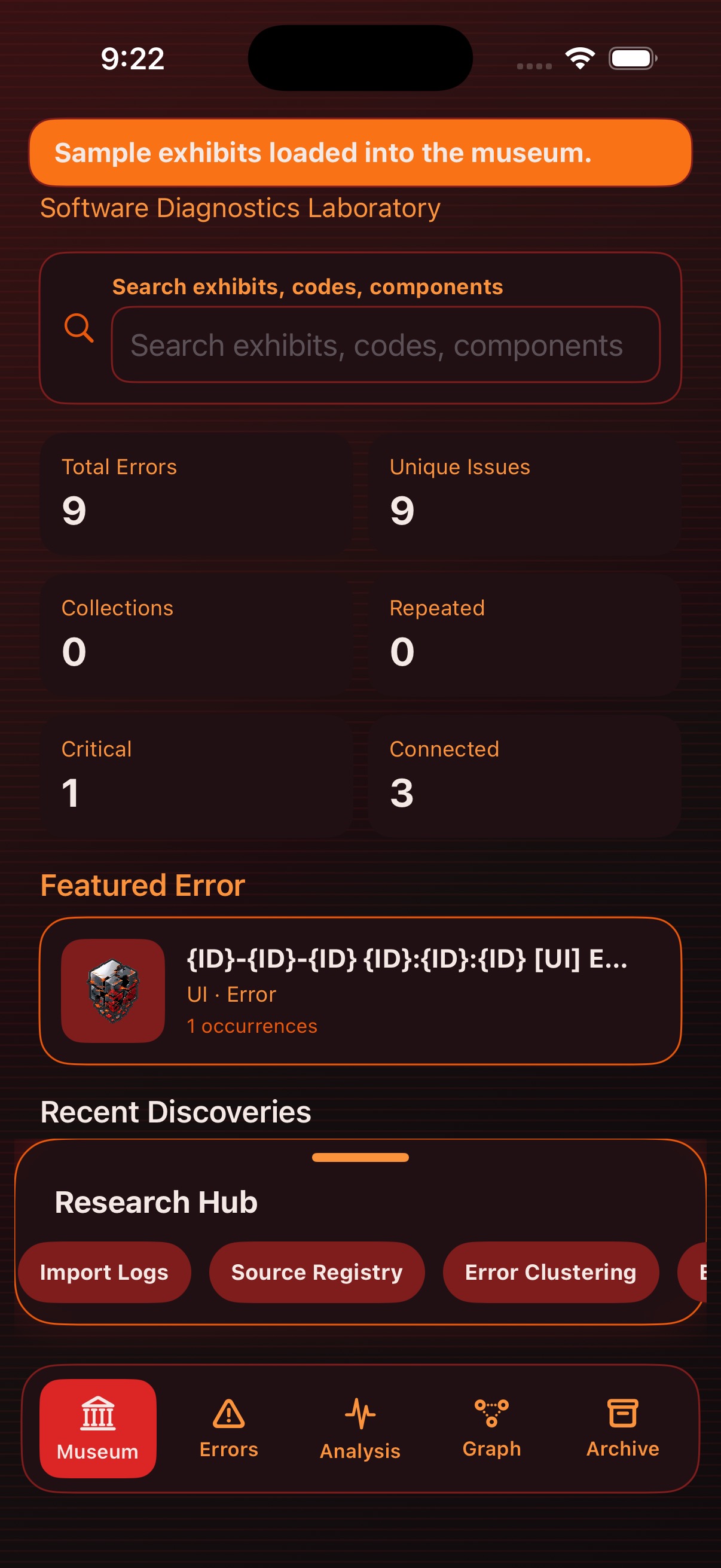
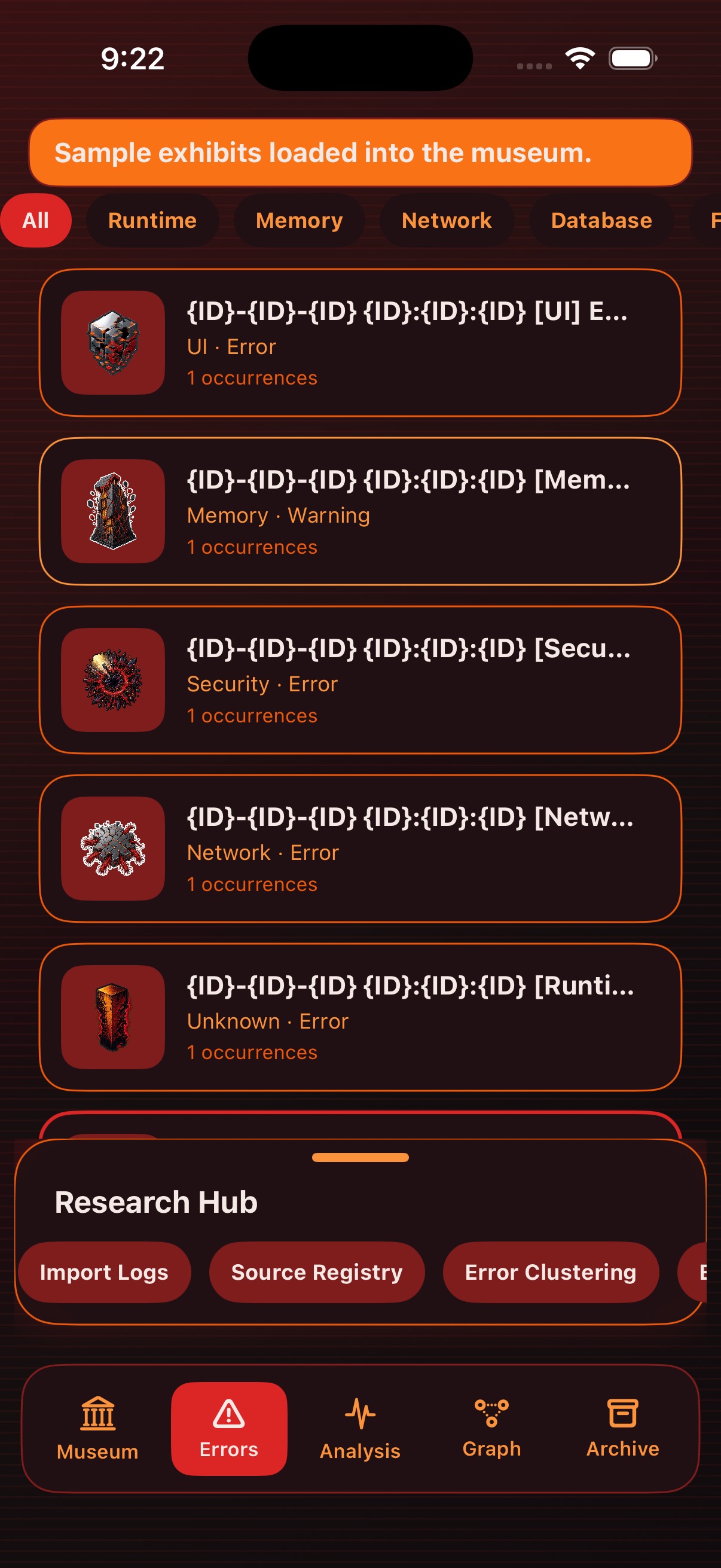
Search exhibits by code or keyword, scan live totals for critical events, and jump from featured artifacts into detailed views in seconds.
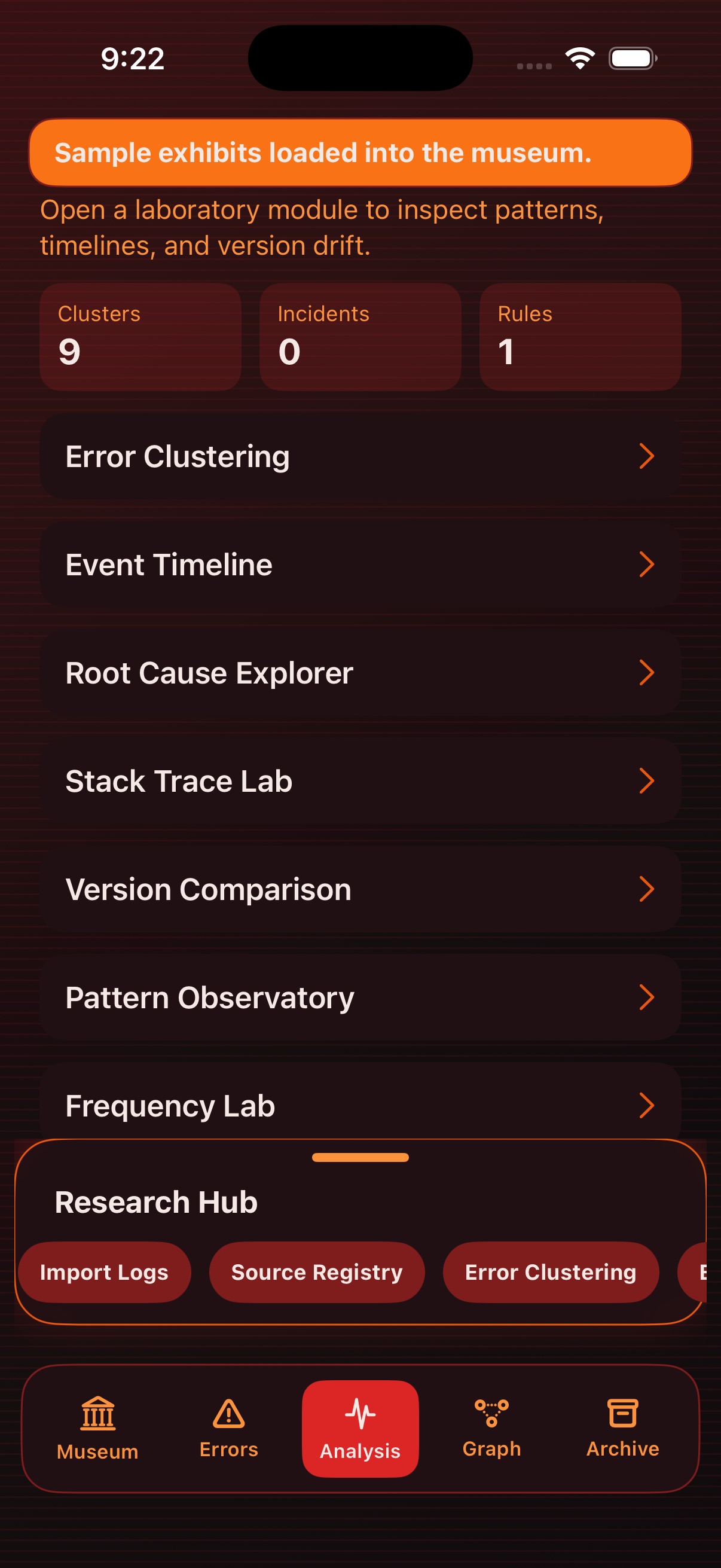
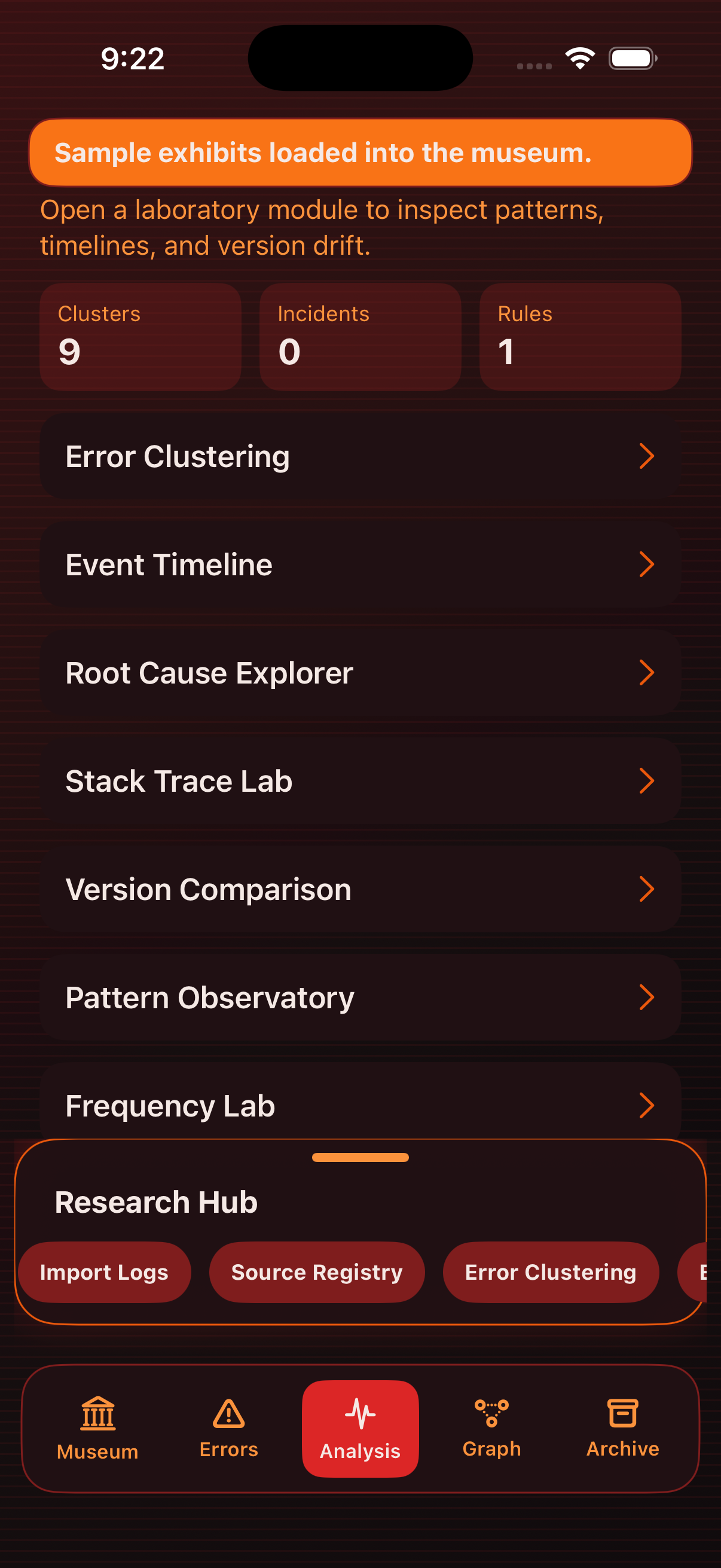
Real screens from Error Museum — analysis hub, artifact library, and the main dashboard.
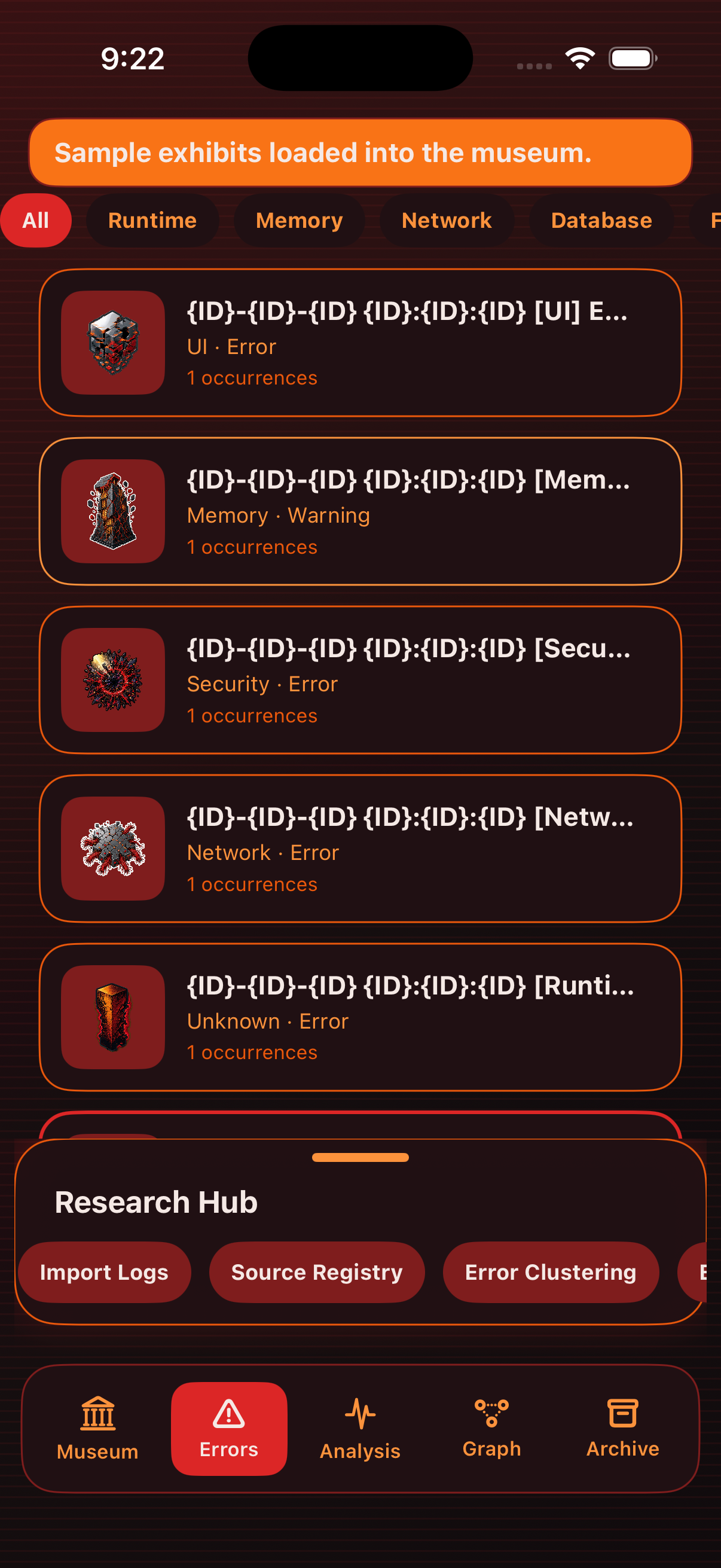
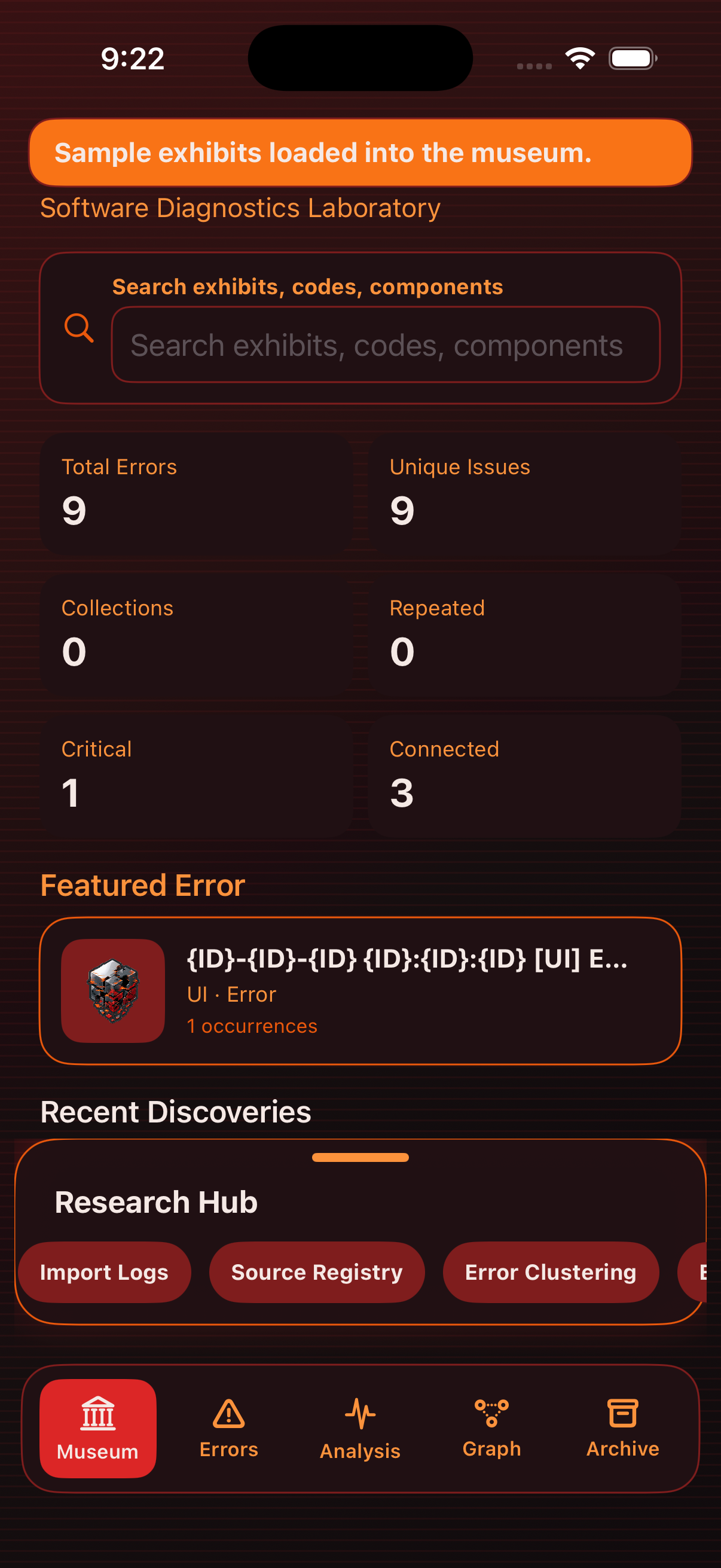
Choose a tab to read the privacy policy or support information for Error Museum.
Effective date: November 23, 2026
Error Museum is published by Spilkauzh LLC. This policy explains how the app handles information when you use it on your iPhone or iPad.
Error Museum does not collect personal data from you. Crash logs, import files, and exhibit notes that you add stay on your device unless you choose to export or share them with another app yourself. We do not operate account registration inside the app and we do not sell your information.
If you contact us by email, we use your message only to respond. We may retain correspondence as long as needed to resolve your request. The app may request access to files you pick in the system document picker; those files are processed locally to build exhibits in your archive.
We may update this policy when the app changes. Continued use after an update means you accept the revised policy. Questions about privacy can be sent to the support address on this page.
Error Museum helps developers and QA teams organize diagnostic output into a private museum archive. If imports fail, exhibits look wrong, or the Failure Graph does not reflect your data, we are happy to help.
Email us at tetianahoblyk@spilkauzhllc.org with your device model, iOS version, and a short description of the issue. Screenshots of the exhibit or import step are useful but optional.
We typically reply within a few business days. For App Store purchases or refunds, use Apple’s standard support channels; we cannot process billing directly.